
The 5 Best Free Productivity Software for Small Businesses

Boost your small business output without breaking the bank. Explore the top free productivity tools built to streamline communication, planning, and task execution.
Free doesn’t mean basic. Learn which productivity software can power your small business.
For a small business entrepreneur, productivity tools can be one of the most beneficial assets, especially when managing tight budgets and lots of hats on a daily basis. The right tool can go beyond reducing overhead to increase the output and agility of your team; or project and task planning becomes more efficient; or internal communications move from inefficient to smooth.
Research indicates that intuitively using productivity software could increase a person’s productivity by 10-30% per day, which is a benefit that is difficult for other competitive SMBs or startups to ignore. Even better news is that many highly rated productivity tools have great free tiers that are purposely for small businesses, solopreneurs, or startups that need to maximize cost-effectiveness, features, and performance. These tools are no longer just for big teams with enterprise-level budgets. Many are designed with solo founders and small remote teams in mind
But how do you go about selecting the right productivity software for your small business? This guide includes the 5 best productivity software options, using individual criteria, and taking into consideration what others recommend and the real-world capabilities of the software.
How I Evaluated These Free Productivity Software:
To select and rank these apps, here are my core criteria drawn from Joinsecret users and extensive software testing:
- Ease-of-use and setup
- Richness, generosity, and relevance of features in the free tier
- Quality of available documentation, user-support, and onboarding resources
- Smooth integration and compatibility with everyday small business favorites (Google Workspace, Slack, Zapier)
- User ratings, real community feedback, and experiences
These factors allowed me to focus on free productivity tools that don’t just look good on paper but actually deliver value in day-to-day use.
Detailed Analysis of the Top 5 Free Productivity Software
1. Trello
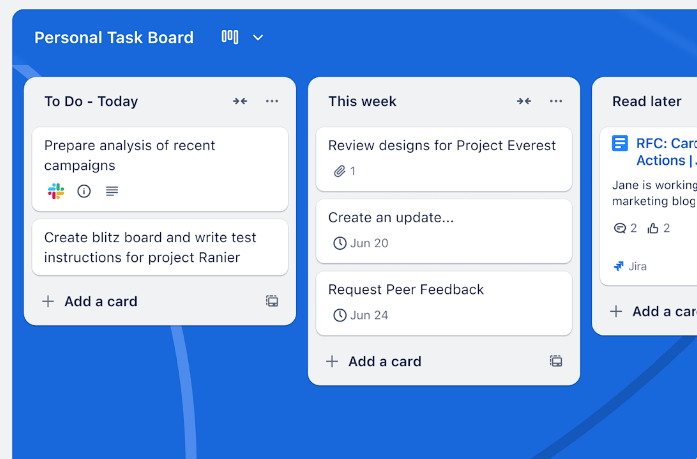
Trello excels at visually managing tasks with its user-friendly Kanban boards. Small business teams particularly love Trello for their simple drag-and-drop interface to organize tasks and workloads seamlessly.
Best Free Features:
- Unlimited cards
- Unlimited power-ups and storage
- Up to 10 collaborators per workspace
Best Suited For: Project-driven teams, visually oriented workflows, agile enthusiasts.
Pros:
- Intuitive, visual, zero-learning-curve interface
- Exceptional real-time collaboration
Free Limitations:
- Advanced functionality restrained
- Automations are limited per workspace across the free tiers
Pricing: Explore Trello premium plans & pricing here
Trello gives teams a clear, visual way to track work with simple drag-and-drop boards. Its free plan is generous, though limits on automation may push growing teams to look for more advanced tools.

2. ClickUp
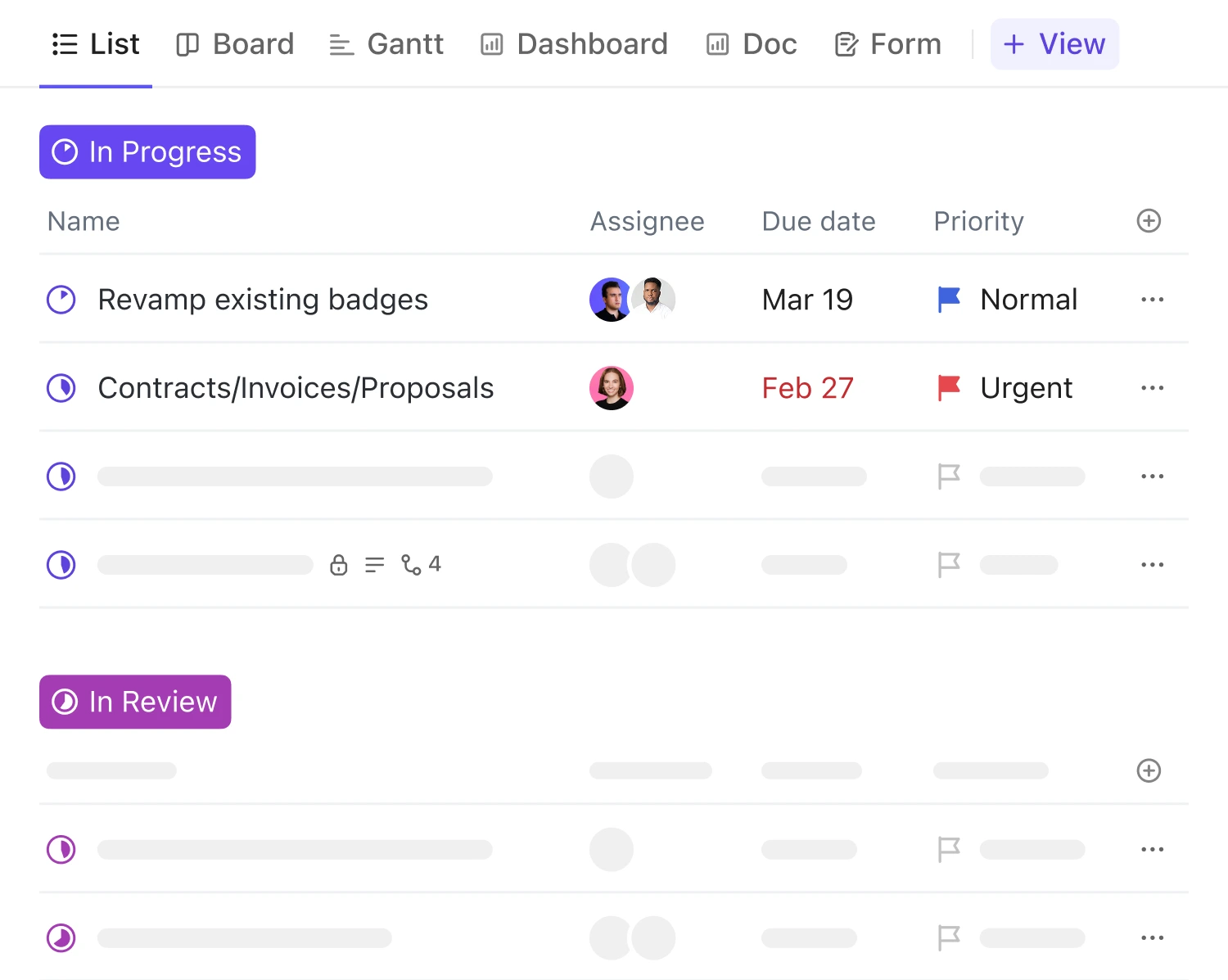
ClickUp truly justifies their bold claim "one app to replace them all", providing startups and entrepreneurs incredible flexibility from tasks and Gantt charts to note-taking all in one organized workspace.
Best Free Features:
- Free for unlimited users
- Multiple work management views available (list, board, calendar)
- Task management & sub-tasks support
Best Suited For: Ambitious resource-tight startups, small agile projects/teams looking for an integrated work productivity suite.
Pros:
- Covers virtually all productivity task scenarios from basic tasks to complex projects & automations
- User-friendly customization and versatility
Free Limitations:
- 60MB storage taken up rather quickly
- Certain automation and heavy integrations limited
Pricing: Check Clickup Premium plans and get promos!
ClickUp offers a wide range of features in one place, making it great for startups and small teams. The free plan supports unlimited users, but storage and automation limits can become restrictive as projects expand.

3. Notion
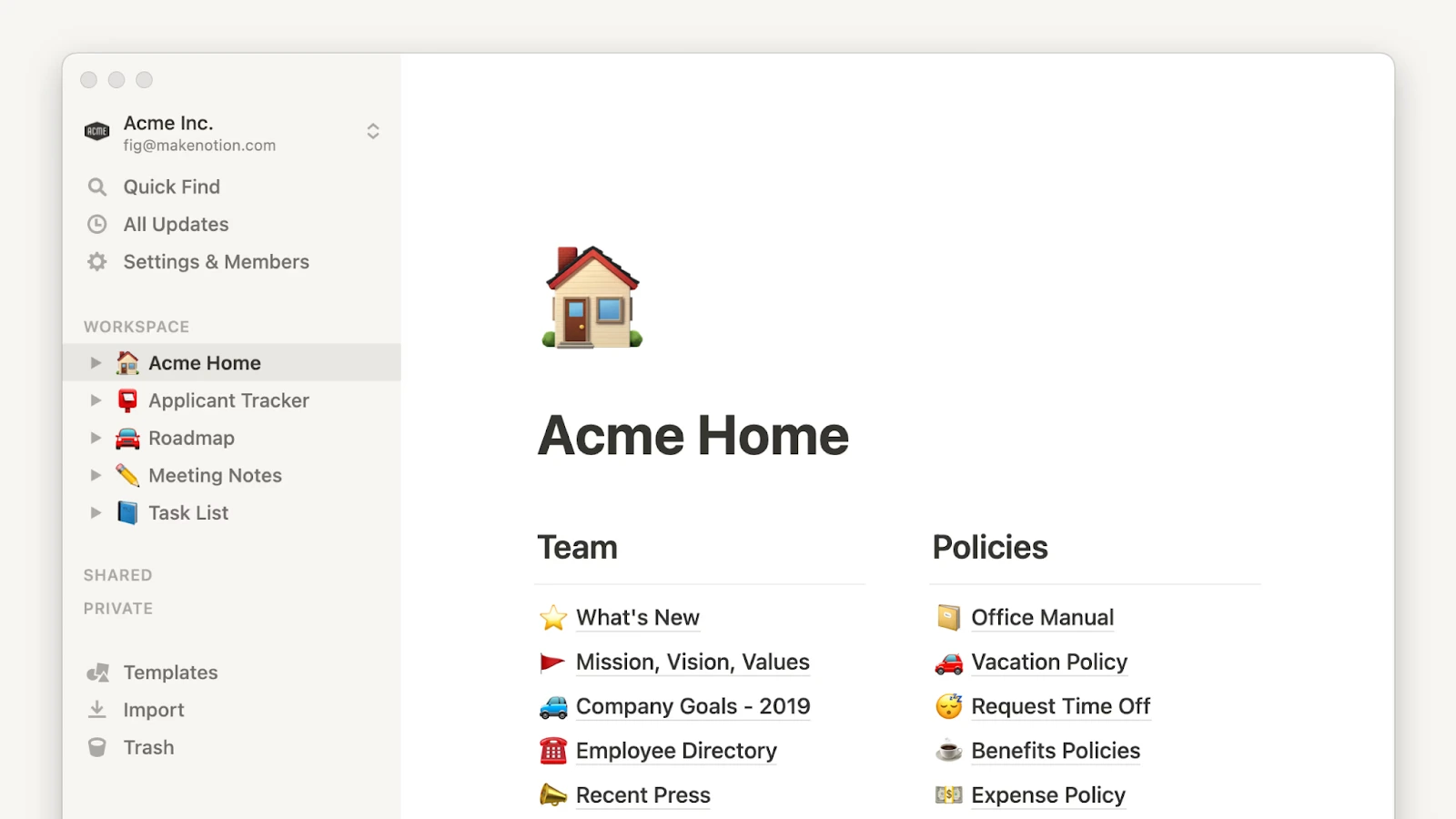
Notion has reshaped task and data organization, combining notes, tasks, databases, virtually any typewise note-setting imaginable. Entrepreneurs widely hail Notion for organizing entire life's work within just a few clicks.
Best Free Features:
- Unlimited pages & document blocks
- Collaboration with up to 10 guest users
- Massive template library simplifying start of internal knowledge basis
Best Suited For: Small teams or freelancers needing solid internal organizational system.
Pros:
- Beautiful curation ability for notes/layouts
- Tremendously engaging templates, community, & user-created content
Free Limitations:
- Limit on size and attachments (up to 5MB each), can constrain graphic/media-intensive usage
- Slight restrictions analytics-wise compared to paid teams and workflows expansions
Pricing: Learn about Notion pricing plans here
Notion blends notes, tasks, and databases into a flexible workspace that suits freelancers and small teams. Its free plan is versatile, though file size camps may hinder heavy media use.

4. Airtable
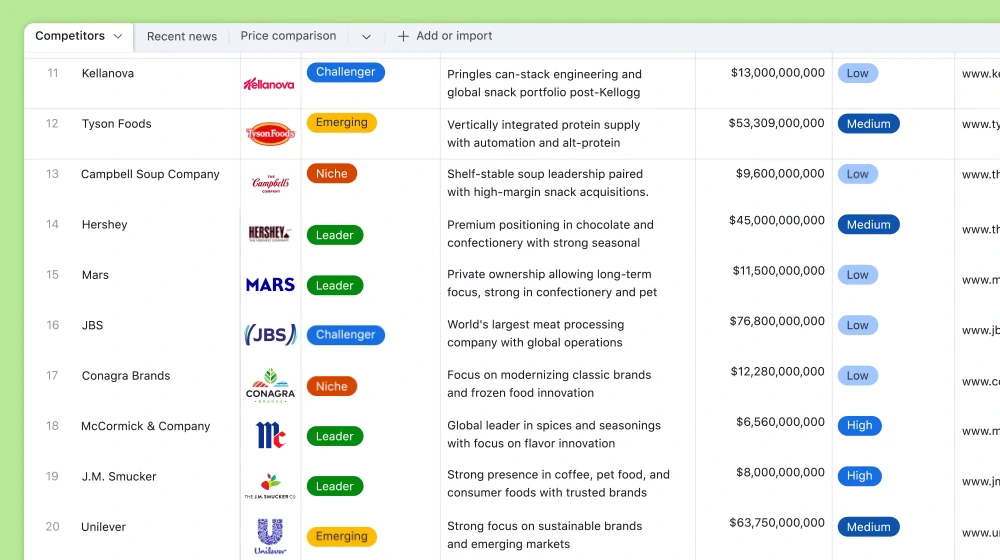
Airtable turns intimidating database-power into understandable workflows & collaborative opportunity, balancing backend complexity and frontend convenience nearly perfectly. It's the perfect visual escalation from spreadsheets cumbersome yet remaining intuitive.
Best Free Features:
- Free records with diverse platform-applicable interaction views (grid/gallery/calendar/Kanban views)
- No-limit database instances termed "bases"
Best Suited For: Process-sensitive startups requiring elevated, visually-intelligent informational workflows/data management.
Pros:
- Professional "database power" yet completely approachable software
- Strong integration and filter capabilities to automate seemingly daunting continuity tasks in real working environments
Free Limitations:
- Limit capped at 1,00 records per database
- Certain advanced sharing and historical reporting options locked
Pricing: Review all Airtable premium subscriptions here
Airtable makes databases approachable, letting teams organize data visually across multiple bases. The free version is powerful, but record caps and advanced sharing restrictions can limit larger projects.

5. Slack
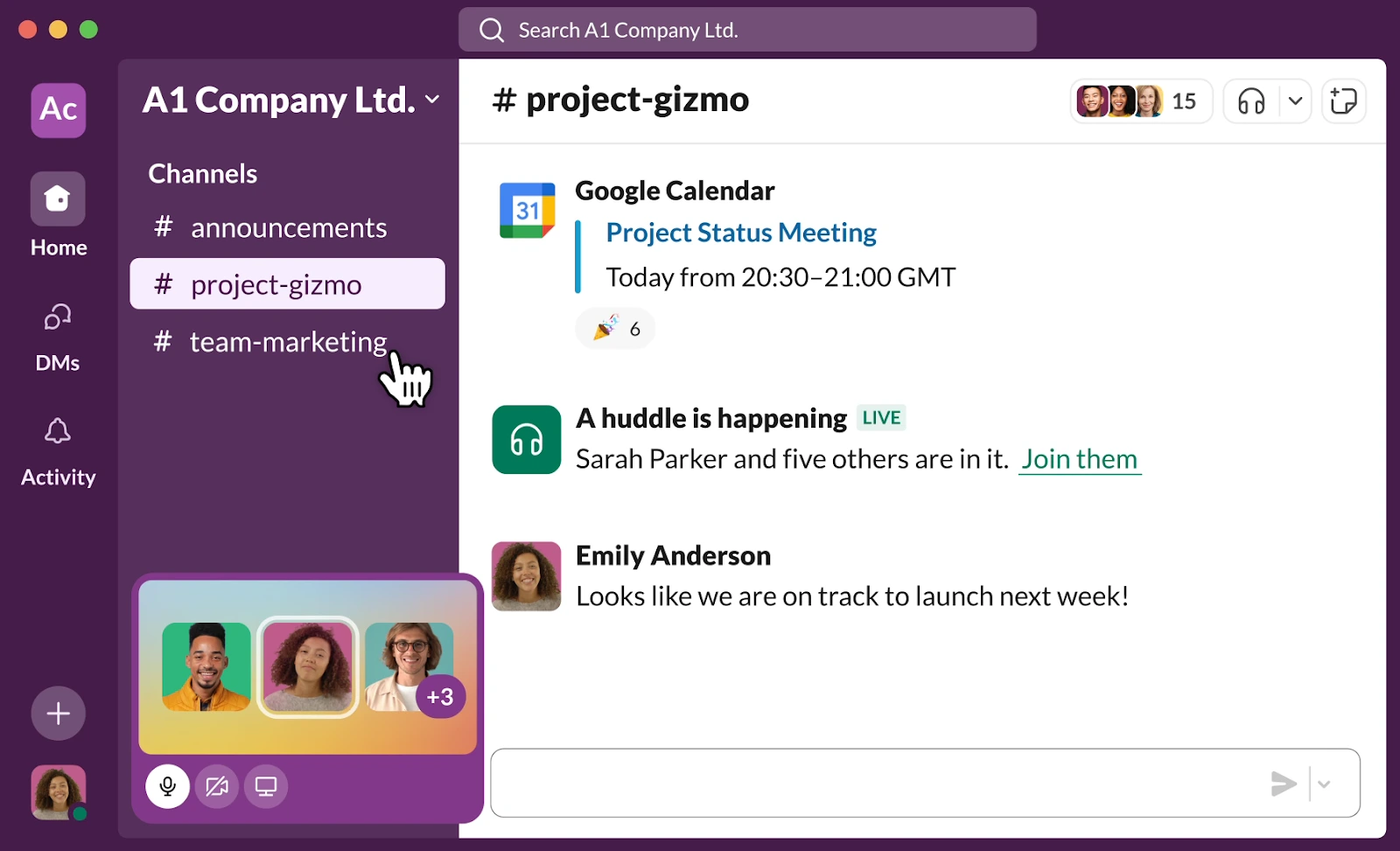
Slack handles quick informal chats seamlessly and fosters task-oriented productive conversations readily. It aligns perfectly with today’s remote-first or distributed teams’ communication nuances across diverse tasks and multiple team directions.
Best Free Features:
- No cap on channels created.
- 1-to-1 immediate video and voice custom conversation allowed.
- Smooth limited app customizations integrations (10 business automation tools easily integrated)
Best Suited For: Small growth-centric startups prioritizing collaborative global teamwork interactions; all business internal coordination-heavy teams
Pros:
- Outstanding building integrations-function capability
- Clean interface experience skyrockets actual communication-team interactions benefits quickly prominent
Free Limitations:
- Only most recent 90 days convo-retaining features made difficult long-term team reqs archiving sustainably
- Restricted seemingly tight files-volume-only storage
Pricing: Explore Slack premium plans & special offers
Slack simplifies team communication with unlimited channels and smooth integrations. The free plan works well for real-time collaboration, though message history and storage limits may be a drawback over time.

Summary Table: Feature Comparison
Practical Advice to Get the Most from Free Productivity Apps
Automate Your Most Frequent Workflows with ClickUp
Automation is one of the things you can save time on: a task in your workflow that starts as soon as a lead appears in your CRM, a due date that automatically gets assigned when a status changes, an easy to read reminder that pings you before a deadline. ClickUp is made for automation.
On the free plan you can easily prototype your workflows. You get unlimited tasks and members, and a truncated monthly amount of automations. Enough to see what's possible, but not enough to run sophisticated and always-on workflows forever.
Once you hit those ceilings, or want multi-step, conditional automations, enhanced dashboards, granular permissions, or unlimited file storage, it's easy to see the value in the paid tiers. Reporting becomes easy to share, governance becomes clearer, and nothing breaks because you've run out of "automation credits."
Develop an Affordable, Powerful Knowledge-Base with Notion
If you’re building an onboarding guide, SOP library, or living “employee handbook,” Notion lets you do it instantly. Pages and databases are unlimited. Collaboration is live. Structuring text, checklists, and lightweight visuals feels effortless.
The catch on free: each uploaded file must stay under 5 MB. That’s fine for compressed screenshots and PDFs, not so great for internal videos or heavyweight design assets. You also lack deep version history and advanced permissions.
Paying solves those pain points. You get larger (or unlimited) uploads, full page history to roll back mistakes, tight access controls by team or project, and unrestricted API/integration use so your wiki stays in sync with Slack, Jira, or Zapier. Start free to prove the concept; upgrade when the content turns media‑heavy, regulated, or mission‑critical.
Effectively Manage Day-to-Day Communication with Slack
Slack’s free tier is surprisingly workable at first. Unlimited channels, DMs, basic audio/video, and a handful of integrations will carry a young team.
But after 90 days, messages drop out of searchable history. The moment you waste time recreating lost context, or compliance requires you to keep everything, you’ll feel the cost of “free.”
Paid Slack lifts the archive wall, unlocks the Workflow Builder for internal forms and automations, allows shared channels with clients and partners, and adds security/compliance features (SSO, e‑discovery, legal exports). When information longevity and process automation start to matter, the upgrade pays for itself.
Most Asked About Free Small Business Productivity Tools
What productivity software is used the most ?
Slack and Trello appear in all popularity surveys due to their flexibility, way of working together and collaborative nature.
Are there free productivity tools from Google that small businesses can use?
Yes, Google Workspace (Google docs, sheets & forms) is free for small workgroups which allows for effective communication.
Can I use Asana Free effectively as a small business?
Asana has a free version with very limited features but it can still be useful for small businesses when only the core tools are needed.
Is Canva a productivity software?
Partially yes, but the emphasis on productivity in Canva leans towards graphic design and not familiar types of task or scheduling tools typically expected.
Which free task management tool is most often recommended?
ClickUp is widely praised by small businesses and startup founders for its generous free plan and extensive features.
My Personal Recommendations
With years of experience with these apps, and many different approaches within an SMB environment, here is my suggestion: Take Click Up for a couple of months and explore the productivity features, and then try experimenting with using them in conjunction with Slack and Notion for your collaboration.
Moving from there, I would just go with what is really working for your team's day-to-day priority and the future of your small-business niche. You will start noticing over time which tools become part of your daily rhythm in a more organic way, and which tools start to feel more forced or unnecessary.
{{cta-marketplace="/blog-elements"}}